
Creating the service and defining the array to provide the count of records returned along with their data.
- Select File > New > z/OS Connect EE Service Project. The New Project window will open.
- Enter the following details:
- Project Name is CATLGM
Note:CATLGM is the name provided for this sample. Please use your organization’s naming schema.
- Project Type is CICS Channel Service.
- Enter an optional description.
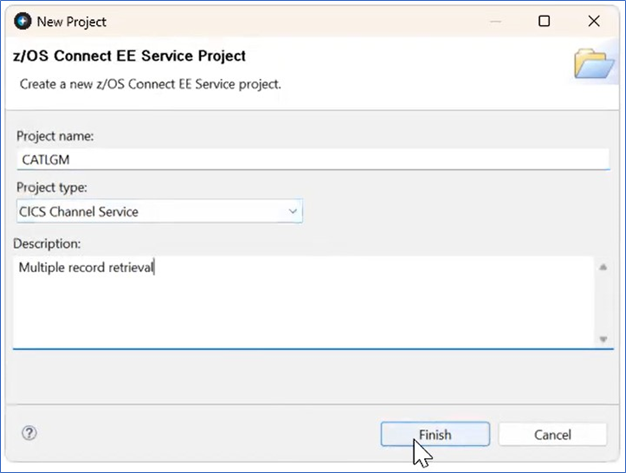
Figure 291. Create a new Service Project - Select the Finish button. The New Project Window will close.
- Project Name is CATLGM
- On the Configuration tab, enter the Connection Reference to the CICS region.
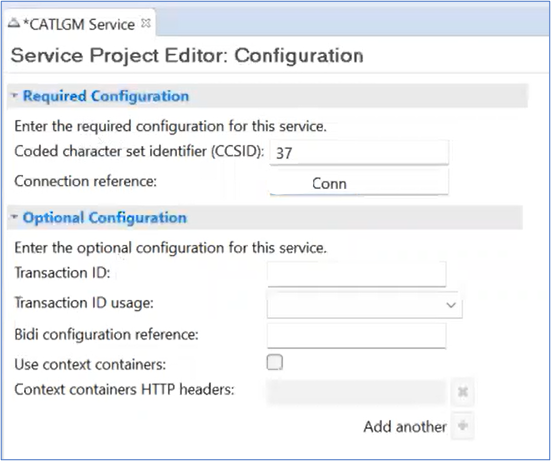
Figure 292. CICSConn Configuration