- Select the Service button next to the GET field. The Select z/OS Connect EE Service Windowwill display.
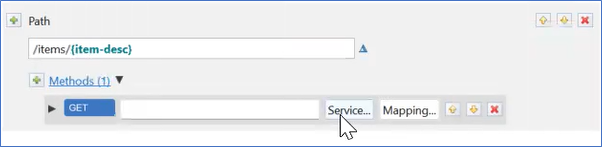
Figure 322. Service to GET - Select the Workspace button. The Import z/OS Connect EE Services Window will display.

Figure 323. Select z/OS Connect EE Service Window - Expand CATLGMAPI.
- Select CATLGM.sar.
- Select the OK Button. The Import z/OS Connect EE Services Window will close. The Import Services window will display.
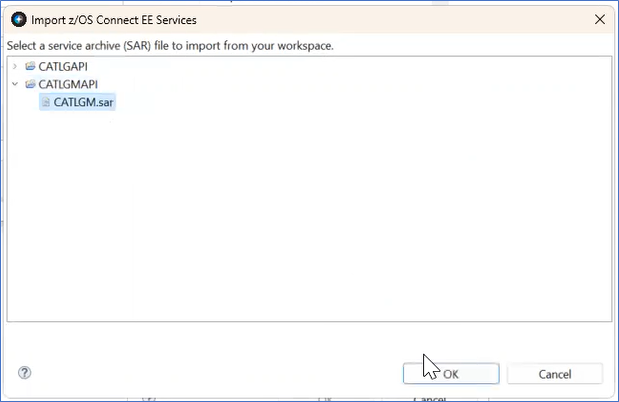
Figure 324. Import z/OS Connect EE Services Window - Select the OK button. The Import Services window will close.
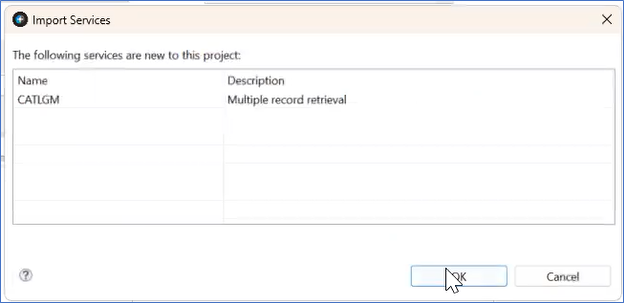
Figure 325. Import Services
