- In the Project Explorer section, right-click and select CATLGAPI > z/OS Connect EE > Deploy API to z/OS Connect EE Server. The Deploy API window will display.
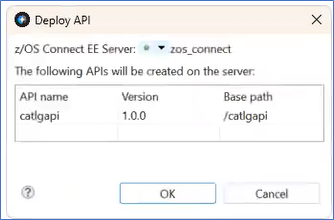
Figure 288. Deploy API window - Select the OK button. The Deploy API window will close. The Deploy API to z/OS Connect EE Server Result window will display.
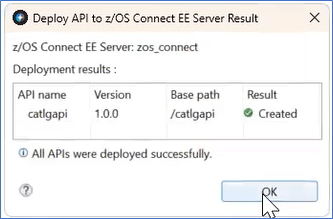
Figure 289. Deploy API to zOS Connect EE Server Result window - Select the OK button. The Deploy API to z/OS Connect EE Server Result window will close.
- In the z/OS Connect EE Servers panel the catlgapi displays.
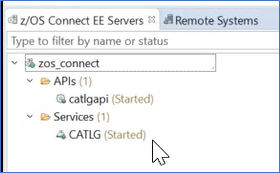
Figure 290. catlgapi started
