To process changes and exit the tablesONLINE EDIT ROW screen (see Figure 193), press <Enter>.
To ignore changes and exit the tablesONLINE EDIT ROW screen (see Figure 193), press <PF3> or type END.
Either exit method returns the user to the screen where the row had been selected.
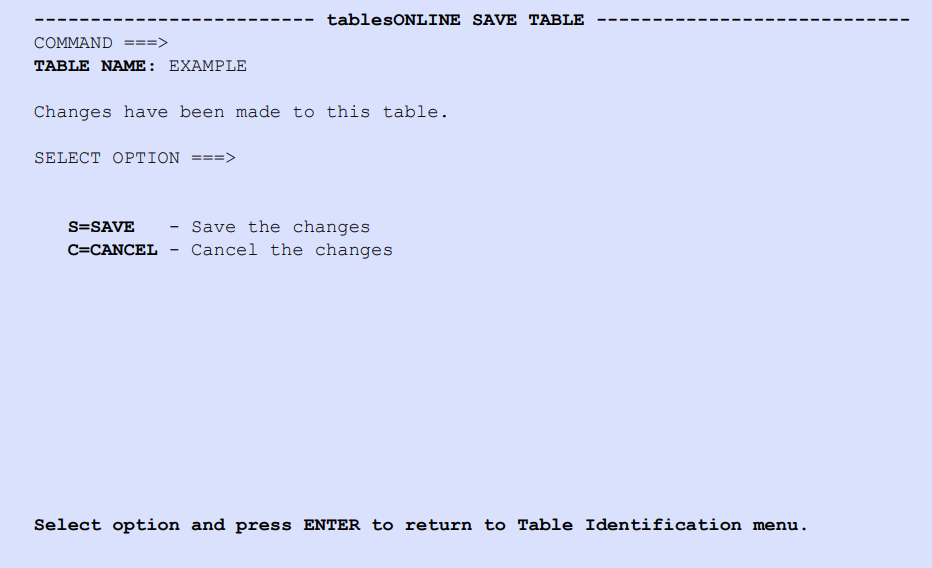
If the table was modified, the tablesONLINE SAVE TABLE screen as shown in Figure 197 appears, once the edit screens are complete.
To save changes, either select S (Save) and press <Enter>, or press <PF3>.
To abort changes, select C (Cancel) and press <Enter>.