
To delete a View, select Option 3 – DELETE VIEW on the tablesONLINE VIEW UTILITY MENU (see Figure 220). The tablesONLINE DELETE VIEW DEFINITION screen appears, as shown in Figure 223.
Note:
The Delete View utility deletes only the View.
The Delete Table utility deletes both the View and the associated Data Table.
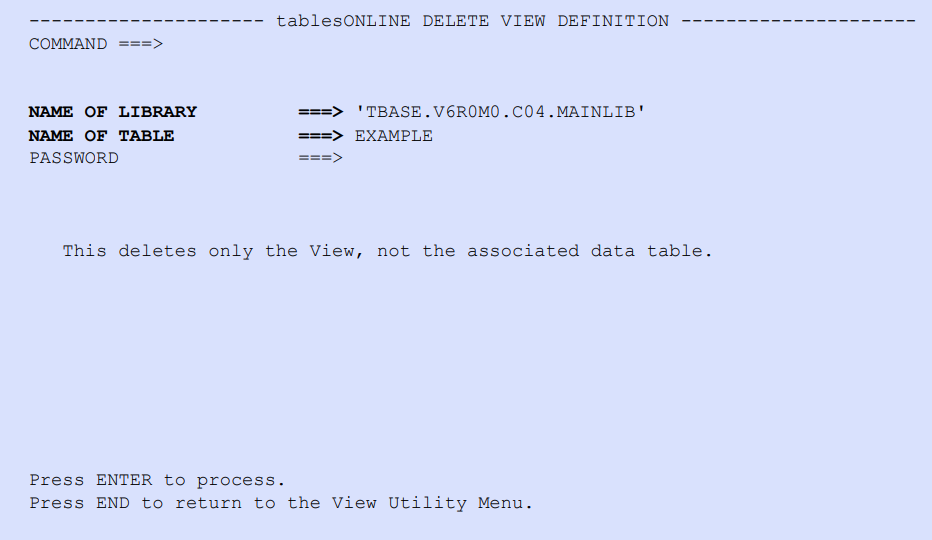
Name of Library
Type the name of the library that contains the View, enclosed in single quotes.
Name of Table
Type the name of the View that is being deleted.
Password
Type the password if the View has one.