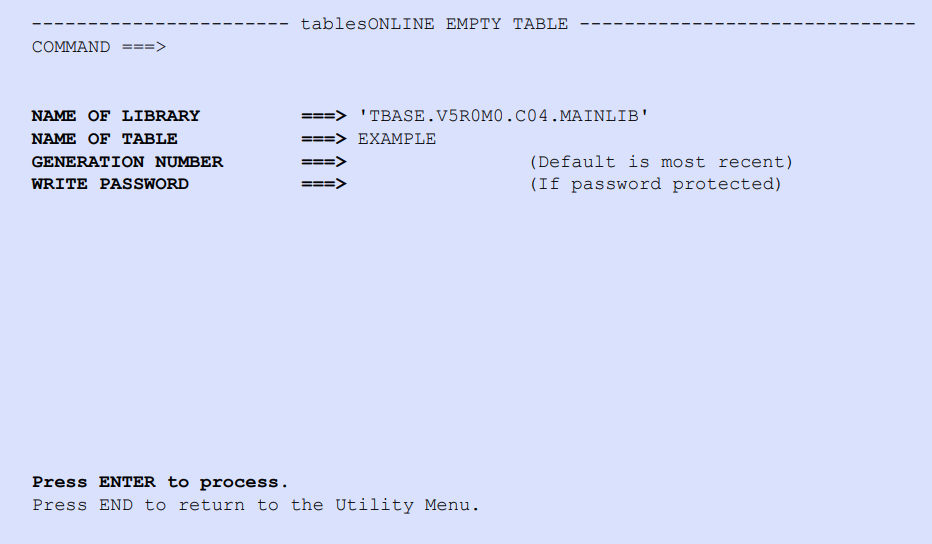
To empty the contents of a table, select Option A – EMPTY TABLE on the tablesONLINEUTILITY MENU (see Figure 206). The tablesONLINEEMPTY TABLE screen appears, as illustrated in Figure 217. When the fields are populated and <Enter> is pressed, tablesONLINE clears the contents of the table and stores a new empty generation of the table in the library.