
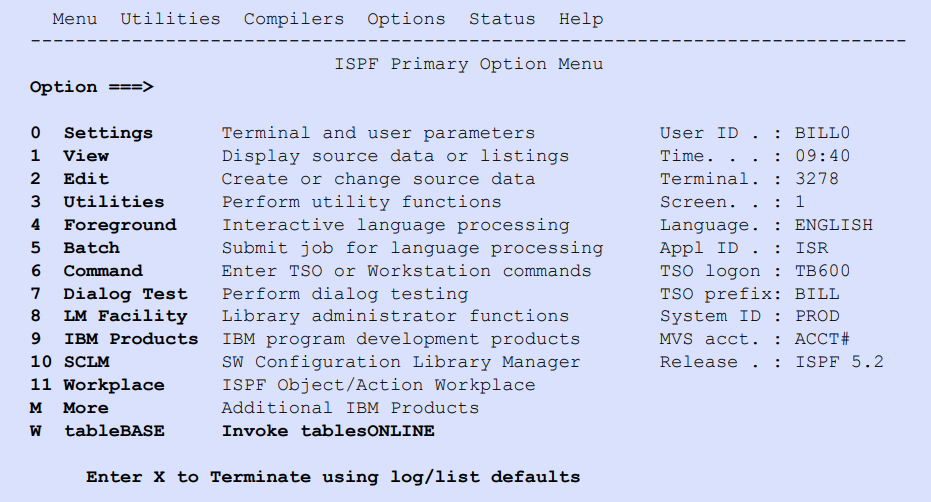

The first three options on the tablesONLINE PRIMARY MENU are used to edit Data Tables.
Option 1 – BROWSE TABLE is used to view the table as a conventional ISPF dataset. This option will not be discussed in this guide.
Option 2 – BROWSE ROWS is used to review—but not change—a table.
Option 3 – EDIT ROWS enables is used to alter rows in a table.
Option 4 – DEFINE TABLE lets a table be defined as either a Data Table or a View.
Option 5 – UTILITIES is an additional facilities that encompass a range of utilities, like copying or printing a table.
Option 6 initiates the tablesONLINE DK1TDRV screen, as illustrated in Figure 190. For more information on DK1TDRV see tableBASE Programming Guide.

DK1TDRV Screen