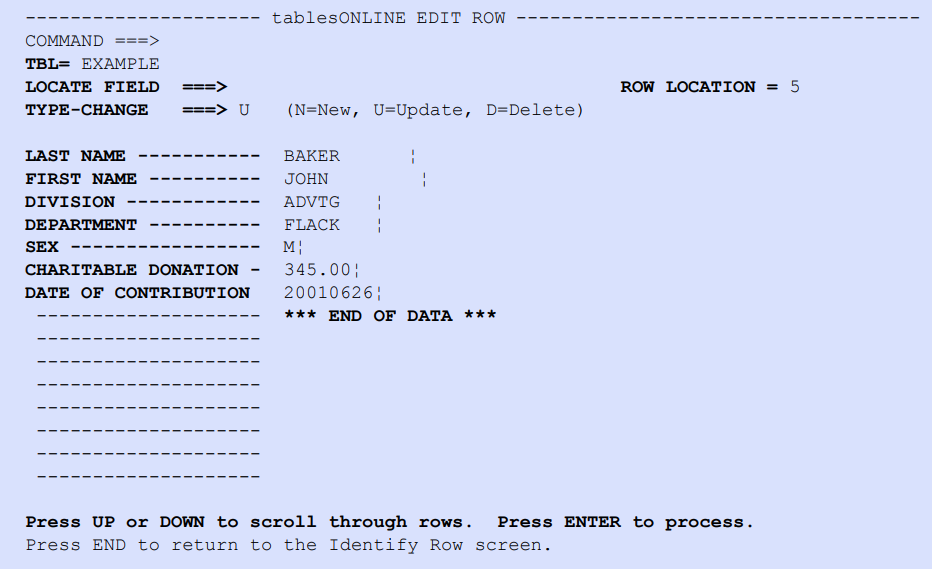
After a row has been selected, the tablesONLINEEDIT ROW screen appears, as shown in Figure 190. The fields of the selected row are displayed.
Figure 190. tablesONLINE EDIT ROW Screen
In this example, all the fields are displayed on one screen. Use <PF7> to scroll up and <PF8> to scroll down if there are more than 15 fields displayed on screen.