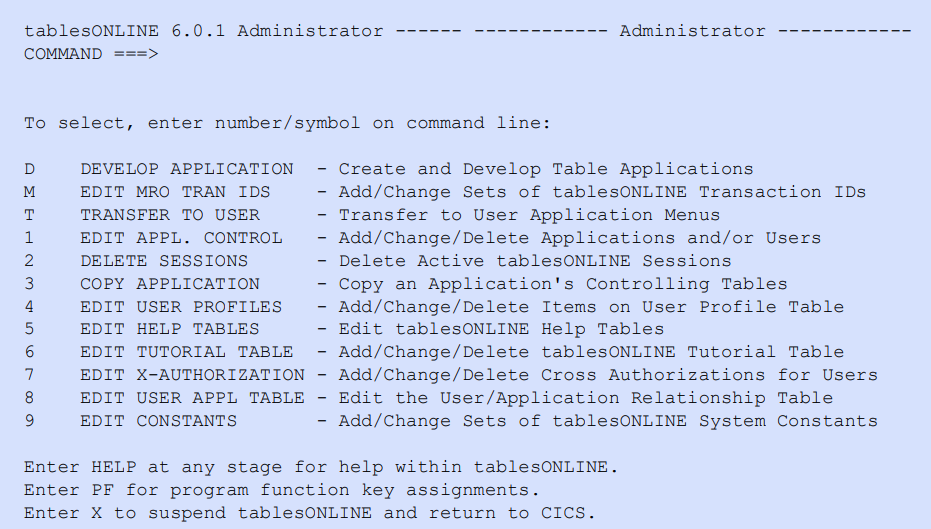
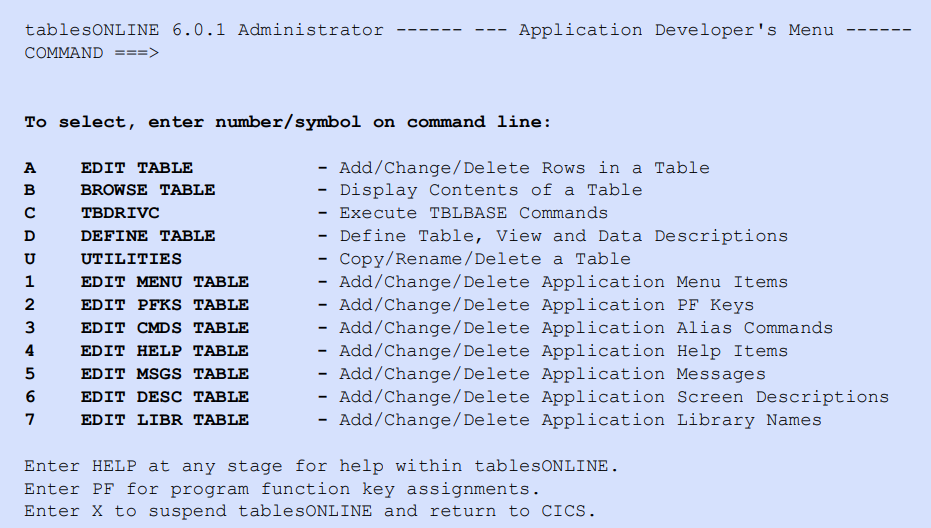
The Administrator screen (see Figure 89) contains selections for tablesONLINE access and how they are used. Selecting Option D—DEVELOP APPLICATION—opens the Application Developer’s Menu (see Figure 90) where applications can be built easily. Screens are defined for end-user applications simply by editing tableBASE tables. Once a user application is completely defined to the system, it can be made available to end users by updating the appropriate security tables.